
TeachUcomp, Inc.

 MY CART
  • VIDEO COURSES
    • All-Access Subscriptions
    • Business Licensing
    • Course List
      • Accounting
      • Adobe
        • Acrobat
        • Lightroom Classic
        • Photoshop
        • Photoshop Elements
      • Crystal Reports
      • Employment Skills
        • Interview Skills
        • Resume Skills
      • For Lawyers
        • Excel for Lawyers
        • Outlook for Lawyers
        • QuickBooks for Lawyers
        • Word for Lawyers
      • HTML
      • JavaScript
      • Microsoft Office
        • Access
        • Excel
        • Microsoft Office Suite
        • OneNote
        • Outlook
        • Outlook on the Web
        • PowerPoint
        • Publisher
        • Word
      • Microsoft Project
      • Microsoft Teams
      • QuickBooks Online
      • QuickBooks Pro
      • Sage
        • Peachtree
        • Sage 50
      • SQL
      • Windows
    • My Courses
    • Video Course Options
  • SUBSCRIPTIONS
  • MANUALS
    • Adobe
      • Acrobat
      • Lightroom Classic
      • Photoshop
      • Photoshop Elements
    • Crystal Reports
    • For Lawyers
      • Excel for Lawyers
      • Outlook for Lawyers
      • QuickBooks for Lawyers
      • Word for Lawyers
    • HTML
    • JavaScript
    • Microsoft Office
      • Access
      • Excel
      • OneNote
      • Outlook
      • Outlook on the Web
      • PowerPoint
      • Publisher
      • Word
    • Microsoft Project
    • Microsoft Teams
    • QuickBooks Online
    • QuickBooks Pro
    • Sage
      • Peachtree
      • Sage 50
    • SQL
    • Windows
  • BOOKS
    • QuickBooks Online
  • REFERENCE CARDS
    • Adobe
      • Acrobat
      • Lightroom Classic
      • Photoshop
      • Photoshop Elements 2026
      • Photoshop Elements 2025
      • Photoshop Elements 2024
      • Photoshop Elements 2023
      • Photoshop Elements 2022
      • Photoshop Elements 2021
      • Photoshop Elements 2020
      • Photoshop Elements 2019
      • Photoshop Elements 2018
      • Photoshop Elements 15
    • Chrome OS
      • Chrome OS Keyboard Shortcuts
    • FreshBooks
    • Google
      • Google Classroom for Teachers
      • Google Docs
      • Google Drive
      • Google Forms
      • Google Sheets
      • Google Slides
    • macOS
      • macOS Keyboard Shortcuts
      • macOS Tahoe
    • Microsoft Office
      • Excel Formulas and Functions
      • Excel Keyboard Shortcuts
      • Excel Tables PivotTables and Charts
      • Microsoft 365
        • Access for Microsoft 365
        • Excel for Microsoft 365
        • Microsoft Office 365
        • Outlook for Microsoft 365 Classic Edition
        • Outlook for Microsoft 365 (New Outlook)
        • PowerPoint for Microsoft 365
        • Publisher for Microsoft 365
        • Word for Microsoft 365
      • Microsoft Office 2021
        • Access 2021
        • Excel 2021
        • Microsoft Office 2021
        • OneNote for Windows 10
        • Outlook 2021
        • PowerPoint 2021
        • Publisher 2021
        • Word 2021
      • Microsoft Office 2019
        • Access 2019
        • Excel 2019
        • Microsoft Office 2019
        • Outlook 2019
        • PowerPoint 2019
        • Publisher 2019
        • Word 2019
      • Microsoft Office 2016
        • Access 2016
        • Excel 2016
        • Microsoft Office 2016
        • OneNote 2016
        • Outlook 2016
        • PowerPoint 2016
        • Publisher 2016
        • Word 2016
      • Microsoft Office 2013
        • Excel 2013
        • Microsoft Office 2013
        • OneNote 2013
        • Outlook 2013
        • PowerPoint 2013
        • Word 2013
      • Microsoft Office for iPad
        • Microsoft Office for iPad
      • Word Keyboard Shortcuts
    • Microsoft Teams
    • QuickBooks Online
    • QuickBooks Pro
      • QuickBooks Pro 2024
      • QuickBooks Pro 2023
      • QuickBooks Pro 2022
      • QuickBooks Pro 2021
      • QuickBooks Pro 2020
      • QuickBooks Pro 2019
      • QuickBooks Pro 2018
      • QuickBooks Pro 2017
      • QuickBooks Pro 2016
      • QuickBooks Pro 2015
      • QuickBooks Pro 2014
    • Sage 50 Accounting
    • SQL
    • Windows
      • Windows 11
      • Windows 11 and 10 Keyboard Shortcuts
      • Windows 10
  • STICKERS
    • Chrome OS
    • macOS
    • Microsoft Office
      • Word and Excel (Mac)
      • Word and Excel (PC/Windows)
    • QuickBooks Desktop
      • QuickBooks Desktop (PC/Windows) 2024
      • QuickBooks Desktop (PC/Windows) 2023
      • QuickBooks Desktop (PC/Windows) 2022-2015
    • QuickBooks Online
    • Windows
  • SUPPORT
    • Company
      • About Us
      • Blog
      • Contact Us
      • Our History
      • Our Philosophy
        • Customer Service
        • Mission
      • Policies
      • Testimonials
    • FAQ
      • Contact Us
    • Help
    • Lost Password
    • Register a Product
  • LOGIN
    • Manage My Account
    • Member Login
    • My Courses
Shop Now

Tax Filing Tips for Tax Year 2013

by Keeley Byrnes / Wednesday, January 22 2014 / Published in News


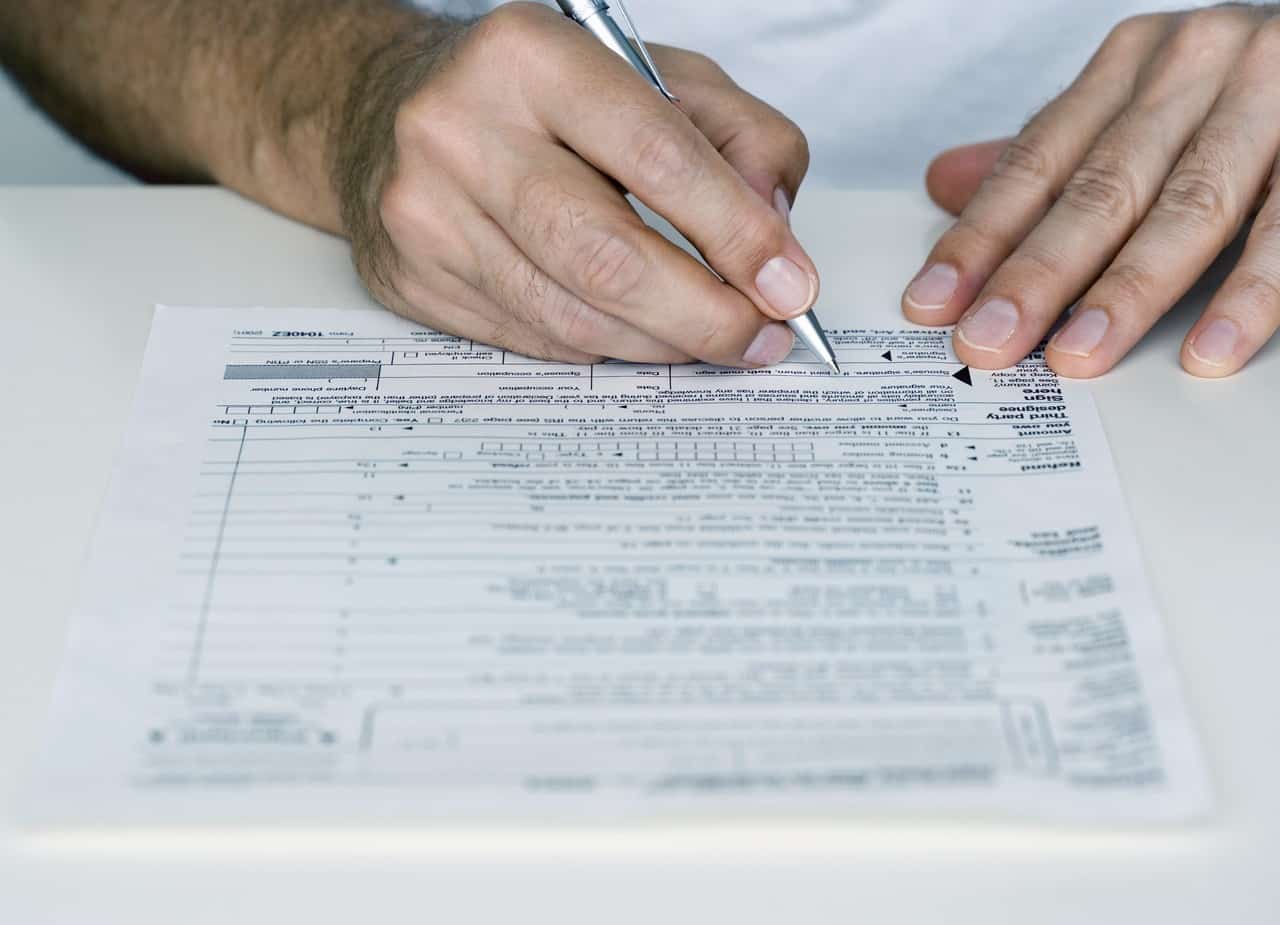
There are a few changes for 2013 that tax tax payers should be aware of. Some of the changes include changes in credits while some refer to when and how to file. In this post we will try to give tax payers a few tips to make filing in 2014 a smoother and less frustrating experience.


Expect Later Returns 

Due to the government shutdown in Fall 2013, the IRS will begin processing individual tax returns on Jan 31- later than normal. This means that many people will have to wait until the middle or end of February to receive their return as opposed to earlier dates in the past.

According to the IRS, the average wait time for a return is 21 days. However this can vary depend on when the return is filed. The sooner a return is filed, the sooner a refund will be issued. The individual tax return filing deadline is April 15. The closer to this date a return is filed, the more you may have to wait.

While many people will be issued a refund rather than a tax bill, the average person expecting a return is down about 5 percent. It’s estimated that the split will be 55% expecting a refund while 45% can expect a tax bill. Because of this, tax payers should be aware that they may have a tax bill for the first time in a few years.


Maximizing Your Return

The best way to increase your return is to take advantage of tax deductions. For single tax payers, the best credits to take advantage of are: the earned income tax credit, the American Opportunity tax credit, and the Lifetime Learner credit. The Earned income tax credit can be used by single tax payers (with or without children). Some tips to making sure you fully take advantage of this credit: ensure proper income reporting, filing separate if married (not head of household), make sure that the child being claimed is a qualified child that can’t be claimed on anyone else’s taxes, and that income and social security numbers are filled out correctly.

The American Opportunity tax credit benefits higher education costs for those with income of $80,000 or less if single or $164,000 if married filing jointly. A tax payer can claim this credit if they are a student within the first four years of their education and are enrolled at least half time.

The Lifetime Learning credit can be claimed by a student by being interested in learning a new skill or developing a new opportunity. The tax payer  does not have to be within the first four years of school and does not have to attend school with a specific degree in mind.


Higher Taxes for Higher Earners

Higher earners are going to be paying higher taxes this year. The top tax rate for tax payers is at 39.6%.  This rate will start at wages at $400,000 (and above) for individual tax payers and $450,000 for married couples filing jointly. Also, tax payers who make over $200,000 ($250,000 for those who are married) are now subject to a Medicare surtax. This surtax will be applied to wages, compensation, or self-employment income over that amount. The amount of the surtax is 0.9%.


NIIT

Those tax payers who have both net investment income and modified adjusted gross income (MAGI) of at least $200,000 for an individual tax payer and $250,000 for those filing as married may be subject to the Net Investment Income Tax (NIIT). Net Investment income includes royalty income, interest, dividends, capital gains, rental income, and certain income from businesses. It does not include wages, unemployment compensation, operating income for a non passive business, Social Security Benefits, alimony, tax-exempt interest, self-employment income, Alaska Permanent Fund Dividends, and distributions from certain Qualified Plans.


Gay Marriage

In 2013, the Supreme Court struck down the Defense of Marriage Act (DOMA), leaving the official definition of marriage up to individual states. This means that from a tax perspective, the IRS will consider as legally married all couples who have been legally married. The IRS will also recognize a legally married same sex couple regardless of whether the couple lives in a jurisdiction that recognizes same-sex marriage or a jurisdiction that does not.


Visit the IRS website for more information and to see which credits and deductions apply to you or your family.

Also, check out our courses on taxation.  Some of these courses count as CPE credits for qualified CPA’s and EA’s. However they are available to anyone who is interested in learning more about tax code.


Tagged under: 2013, 2014, accounting, CPA, cpe, credits, deductions for 2013, filing, IRS, tax, tax code, tax credit

About Keeley Byrnes

Keeley is our Director of Marketing and has been with TeachUcomp since 2010. Keeley manages all aspects of our Marketing Department, acts as liaison for our reseller and affiliate partners and also authors courses in software and taxation.
Sale! One Year Online Entire Library $29. Click here to see the deals.


Categories

  • GET SOCIAL

© 2001-2026 Copyright TeachUcomp, Inc. All rights reserved.

TOP
SALE! $29 All-Access 3 Days 18 Hours 7 Minutes 11 Seconds      $199 $29 Entire Library!
See Deal