
Create a Form from an Existing Document in Acrobat XI
Friday, October 24 2014
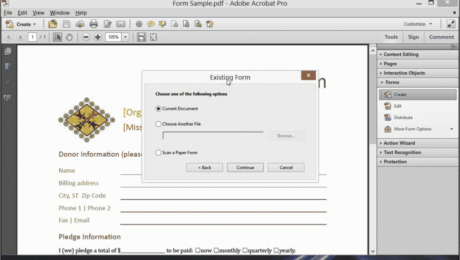
Create a Form from an Existing Document in Acrobat XI: Video Lesson This video lesson, titled “Creating a Form from an Existing Document,” shows how to create a form from an existing document using Adobe Acrobat XI Pro. This video is from our complete Acrobat training, titled “Mastering Acrobat Made Easy v.XI.” Create a
No Comments
Edit Text in a PDF Using Acrobat XI- Tutorial
Tuesday, September 16 2014
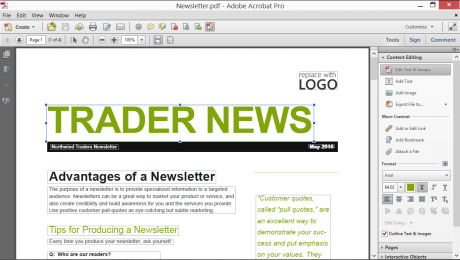
Edit Text in a PDF Using Acrobat XI: Video Lesson This video lesson, titled “Editing Text,” shows how to edit text in a PDF using Adobe Acrobat XI Pro. This lesson comes from our complete Acrobat training, titled “Mastering Acrobat Made Easy v.XI.” Edit Text in a PDF Using Acrobat XI: Overview As
Combine PDFs in Acrobat XI
Monday, August 18 2014
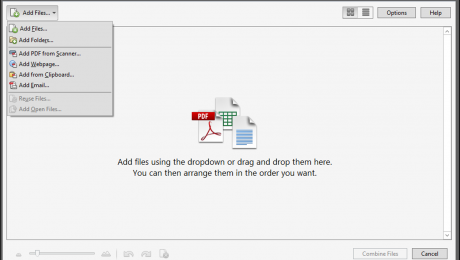
Combine PDFs in Acrobat XI: Video Lesson This video lesson, titled “Combining PDFs,” shows you how to combine PDFs in Acrobat XI. This video comes from our complete Adobe Acrobat XI tutorial, titled “Mastering Acrobat Made Easy v.XI.” Combine PDFs in Acrobat XI: Overview To combine PDFs in Acrobat XI together to create
Acrobat Keyboard Shortcuts
Tuesday, July 15 2014
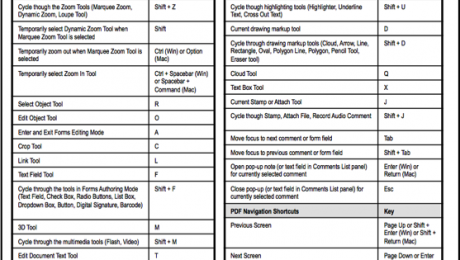
Acrobat Keyboard Shortcuts How to Apply Acrobat Keyboard Shortcuts in Acrobat XI You can use Acrobat keyboard shortcuts in Adobe Acrobat XI to perform commands. Acrobat keyboard shortcuts in Acrobat XI appear in the Menu Bar to the right of the specific command to which they correspond. For example, if


