
Manage Categories in Outlook Web App- Tutorial
Monday, August 03 2015
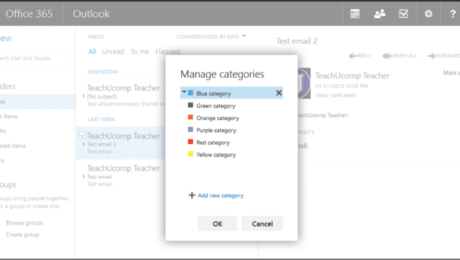
Manage Categories in Outlook Web App: Video Lesson This video lesson, titled “Creating and Managing Categories,” shows you how to manage categories in Outlook Web App. This video lesson is from our complete Outlook Web App course, titled “Mastering Outlook on the Web Made Easy v.2016.” Manage Categories in Outlook Web App: Overview
- Published in Latest, Microsoft, Office 365, Outlook on the Web
No Comments
Create Desktop Shortcuts in Windows 8.1- Tutorial
Tuesday, April 21 2015
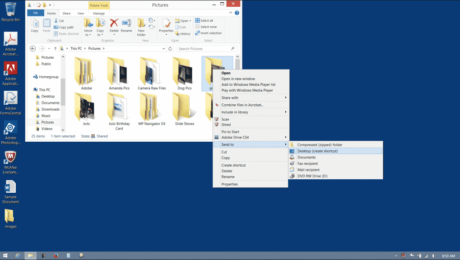
Create Desktop Shortcuts in Windows 8.1: Video Lesson This video lesson, titled “Creating Desktop Shortcuts, shows you how to create desktop shortcuts in Windows 8.1. This video lesson is from our complete introductory Windows course, titled “Mastering Windows Made Easy v.8.1.” Create Desktop Shortcuts in Windows 8.1: Overview Instead of using File Explorer
- Published in Latest, Windows 8.1
Delete Queries in Microsoft Access 2013
Wednesday, March 19 2014
Delete Queries in Microsoft Access 2013: Video This video shows you how to create delete queries in Access 2013. For the complete tutorial, click here. Delete Queries in Microsoft Access 2013: Overview You can use a delete query in Access 2013 to delete records in a table based on specified criteria. Deleting unnecessary records will speed
- Published in Access 2013, Latest
Inserting and Deleting Sparklines in Microsoft Excel 2013
Thursday, August 01 2013
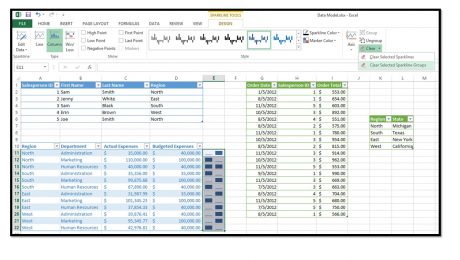
You can insert sparklines into your worksheets to illustrate changes to data values within a column or row of contiguous worksheet cells. A sparkline is basically a mini-chart that appears within a single selected worksheet cell and displays selected cell values as a trendline, columns, or a win-loss series. To create a sparkline within
- Published in Excel 2013, Latest


