
 MY CART
The Highlighting Expert in Crystal Reports 2011
Friday, November 15 2013
The Highlighting Expert in Crystal Reports 2011: Video This video shows you how to use the Highlighting Expert in Crystal Reports 2011. The Highlighting Expert: Overview The Highlighting Expert is a tool which allows you to apply a specified formatting to a field when it meets a criteria which you set. For example, you could
- Published in Crystal Reports, Latest
No Comments
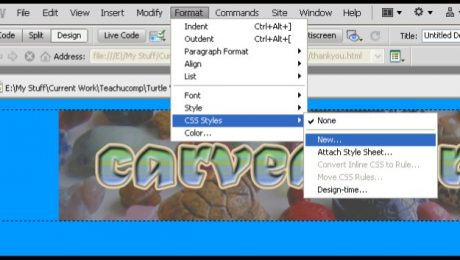
How to Use CSS Basics in Adobe Dreamweaver CS5
Thursday, November 14 2013
- Published in Dreamweaver
Setting Up Inventory in QuickBooks 2014
Wednesday, November 13 2013
Setting Up Inventory in QuickBooks 2014: Video This video shows setting up inventory in QuickBooks 2014 within a company file. Click here for the complete training tutorial! Setting Up Inventory in QuickBooks 2014: Overview For many companies, inventory is enabled if you create your company file using the “EasyStep Interview.” However, if you did not
- Published in Latest, Quickbooks
Adjusting General Settings in Windows 8
Tuesday, November 12 2013
Adjusting General Settings in Windows 8: Within the “PC settings” app window in Windows 8, you can click the “General” category at the left side of the screen to display general Windows options in the area to the right. Within this category, the options are grouped into eight main subcategories listed at the right side:
Microsoft Word for Lawyers: Using Legal Templates in Word 2013
Monday, November 11 2013
Using Legal Templates There are a variety of legal templates that you can use that allow you to quickly create professional legal documents of many types. To download and use the templates that are available on office.com, you will need to be connected to the Internet. Assuming that you have an internet-connected computer, you can
- Published in Latest, Microsoft Word Training for Lawyers
Microsoft Outlook 2013 For Lawyers: Task Tracking
Friday, November 08 2013
Microsoft Outlook contains features that can come in handy for law firms, attorneys, lawyers, and anyone who practices law. In this post, we will cover task tracking. Task Tracking for Lawyers in Outlook 2013 vs. Forwarding Email Many times you may have the temptation to forward an email that needs follow-up to an assistant or
- Published in Latest, Microsoft Outlook Training for Lawyers
Word for Lawyers: Using the Research Pane in Microsoft Word 2013
Wednesday, November 06 2013

- Published in Latest, Microsoft Word Training for Lawyers
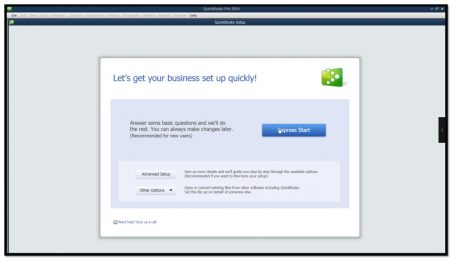
QuickBooks for Lawyers: Making a Legal Company Using Express Start in QuickBooks 2014
Wednesday, November 06 2013
- Published in Latest, QuickBooks Training for Lawyers