How to Create a New Document in WordPad in Windows 11 – Instructions
Wednesday, May 25 2022
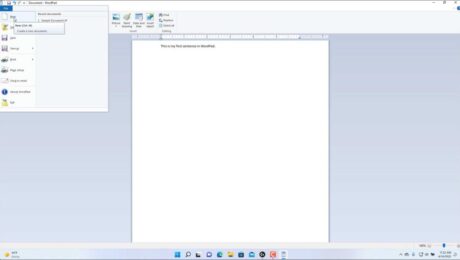
How to Create a New Document in WordPad in Windows 11: Video This video lesson, titled “Starting WordPad and Creating a New Document,” shows how to start WordPad and create a new document in WordPad in Windows 11. This video lesson is from our complete Windows 11 tutorial, titled “Mastering Windows Made Easy v.11.”
- Published in Latest, Microsoft, Windows 11
No Comments
Microsoft Windows Training
Monday, May 02 2022
Microsoft Windows Training Now Available from TeachUcomp, Inc. You can now buy Microsoft Windows training from TeachUcomp, Inc. Our newest product, the “Mastering Windows Made Easy v.11” tutorial, helps you learn how to use Microsoft Windows. This product contains a thorough training in using Microsoft Windows and managing its settings. Our Windows training
- Published in Latest, Marketing, Microsoft, News, What's New at TeachUcomp?, Windows 11
How to Close PowerPoint Presentations- Instructions
Tuesday, January 04 2022
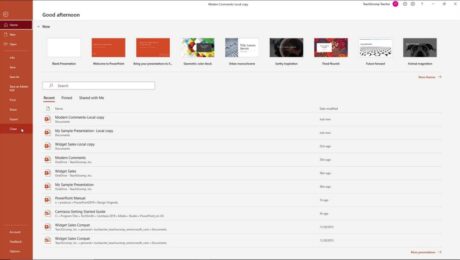
How to Close PowerPoint Presentations: Video This video lesson, titled “Closing Presentations,” shows how to close PowerPoint presentations. This video is from our complete PowerPoint tutorial, titled “Mastering PowerPoint Made Easy v.2019 and 365.” Overview of How to Close PowerPoint Presentations: This tutorial shows you how to close PowerPoint presentations. If you have
Use the Handout Master in PowerPoint- Instructions
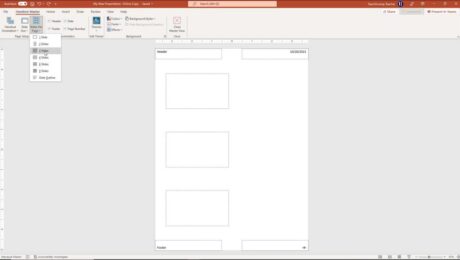
Monday, January 03 2022
How to Use the Handout Master in PowerPoint: Video This video lesson, titled “Using the Handout Master,” shows you how to use the handout master in PowerPoint. This video lesson is from our complete PowerPoint tutorial, titled “Mastering PowerPoint Made Easy v.2019 and 365.” Overview of How to Use the Handout Master in PowerPoint: