
 MY CART
Use the CLEAN Function to Remove Hidden Characters in Excel
Wednesday, June 25 2025

- Published in Excel for Office 365, Latest, Microsoft, Office 365
No Comments
Add Text to Shapes in Publisher – Instructions
Thursday, June 20 2024

- Published in Latest, Office 2021, Office 365, Publisher 2021, Publisher for Office 365
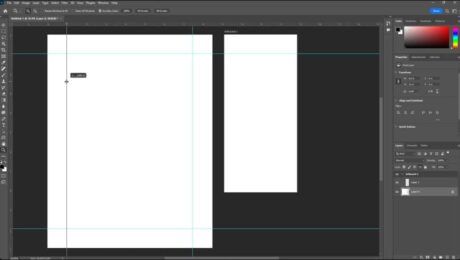
Guides in Photoshop
Tuesday, April 16 2024
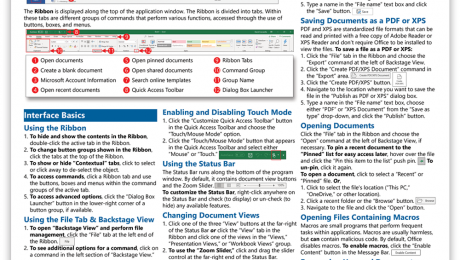
Microsoft Office Cheat Sheet
Friday, March 04 2022
- Published in Latest, Microsoft, Office 2021, Office 365, What's New at TeachUcomp?
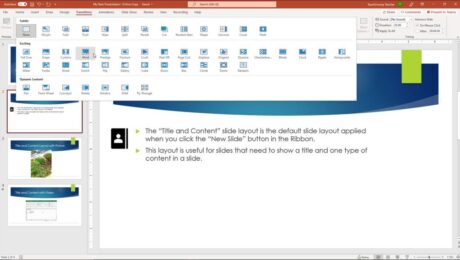
Slide Transition Animation in PowerPoint – Instructions
Tuesday, November 23 2021
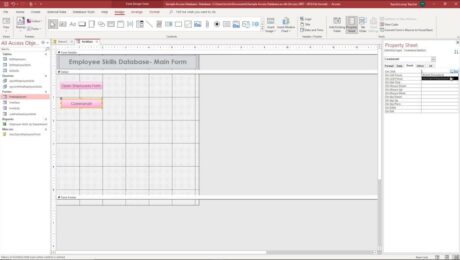
Assign Macros to Events in Access – Instructions
Monday, September 13 2021
- Published in Access 2013, Access 2016, Access 2019, Access for Office 365, Latest, Office 2013, Office 2016, Office 2019, Office 365
Add a Macro to a Button in Access – Instructions
Friday, September 10 2021
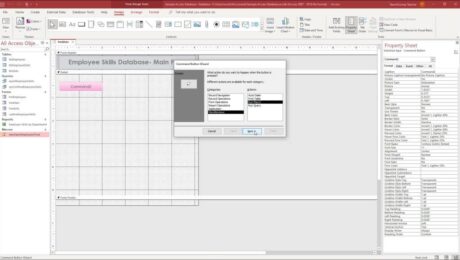
- Published in Access 2013, Access 2016, Access 2019, Access for Office 365, Latest, Office 2013, Office 2016, Office 2019, Office 365
Standalone Macros in Access – Instructions
Thursday, September 09 2021
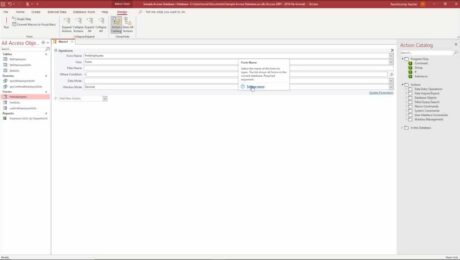
- Published in Access 2013, Access 2016, Access 2019, Access for Office 365, Latest, Office 2013, Office 2016, Office 2019, Office 365