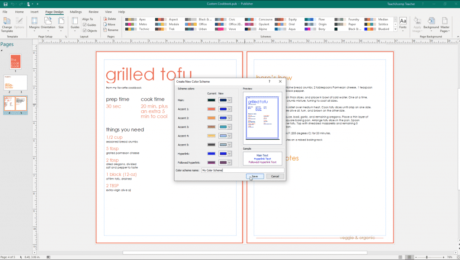
Use the Rulers in Publisher- Instructions
Thursday, November 07 2019
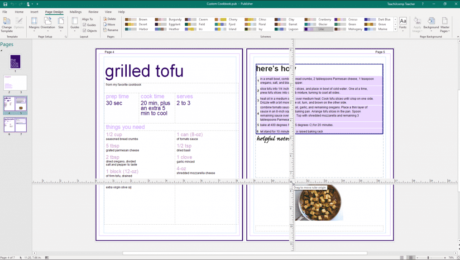
Use the Rulers in Publisher: Video Lesson This video lesson, titled “Using the Rulers,” shows you how to use the rulers in Publisher. This video lesson on how to use the rulers in Publisher is from our complete Publisher tutorial, titled “Mastering Publisher Made Easy v.2019 and 365.” Use the Rulers in Publisher: Overview
- Published in Latest, Microsoft, Office 2016, Office 2019, Office 365, Publisher 2010, Publisher 2013, Publisher 2016, Publisher 2019
No Comments
Buy Photoshop Elements 2020 Quick Reference Cards
Tuesday, October 15 2019
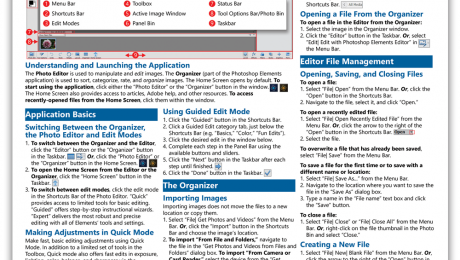
Buy Photoshop Elements 2020 Quick Reference Cards at TeachUcomp, Inc. You can buy Photoshop Elements 2020 quick reference cards with our “Photoshop Elements 2020 Introduction Quick Reference Guide” cheat sheet. Our Photoshop Elements 2020 quick reference card helps both creative professionals and novice users. These cheats sheets are terrific for people who just need
- Published in Latest, Marketing, News, Photoshop Elements, What's New at TeachUcomp?
Use a Top 10 AutoFilter in Excel – Instructions
Friday, September 20 2019
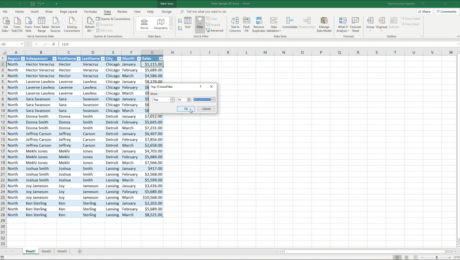
Use a Top 10 AutoFilter in Excel: Video Lesson This video lesson, titled “Using the Top 10 AutoFilter,” shows you how to use a Top 10 AutoFilter in Excel. This video lesson is from our complete Excel tutorial, titled “Mastering Excel Made Easy v.2019 and 365.” Use a Top 10 AutoFilter in Excel: Overview
- Published in Excel 2013, Excel 2016, Excel 2019, Excel for Office 365, Latest, Microsoft, Office 2013, Office 2016, Office 2019, Office 365
Freeze Panes in Excel – Instructions and Video Lesson
Wednesday, September 18 2019
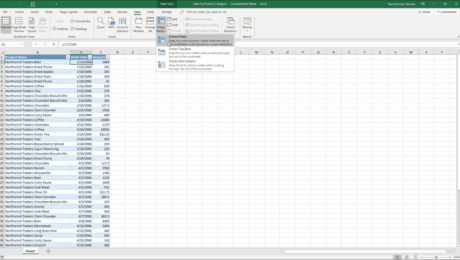
Freeze Panes in Excel: Video Lesson This video lesson, titled “Freeze Panes,” shows how to freeze panes in Excel. This video lesson is from our complete Excel tutorial, titled “Mastering Excel Made Easy v.2019 and 365.” Freeze Panes in Excel: Overview You can freeze panes in Excel to view data in two separate
- Published in Excel 2016, Excel 2019, Excel for Office 365, Latest, Microsoft, Office 2016, Office 2019, Office 365
Add Bookmarks to a PDF in Acrobat – Instructions
Thursday, April 25 2019
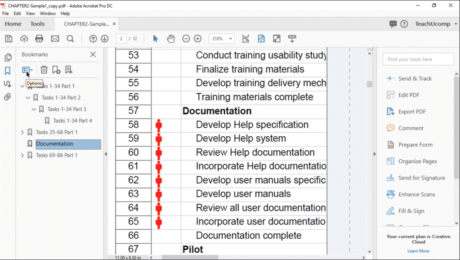
Add Bookmarks to a PDF in Acrobat: Video Lesson This video lesson, titled “Using Bookmarks in a PDF,” shows how to add bookmarks to a PDF in Acrobat Pro DC. This video is from our complete Acrobat tutorial, titled “Mastering Acrobat Made Easy v.Pro DC.” Add Bookmarks to a PDF in Acrobat: Overview
Full Screen Mode in Acrobat- Instructions
Tuesday, January 15 2019
Full Screen Mode in Acrobat: Video Lesson This video lesson, titled “Full Screen Mode,” shows you how to open a PDF in Full Screen mode in Adobe Acrobat. This video lesson is from our complete Acrobat tutorial, titled “Mastering Acrobat Made Easy v.Pro DC.” Full Screen Mode in Acrobat: Overview In Full Screen