
Freeze Panes in Excel – Instructions and Video Lesson
Wednesday, September 18 2019
by Joseph Brownell
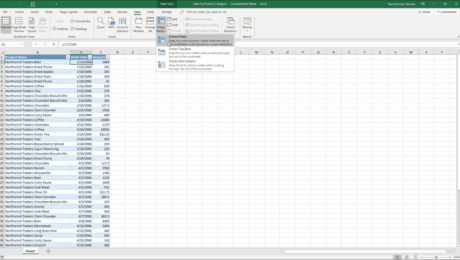
Freeze Panes in Excel: Video Lesson This video lesson, titled “Freeze Panes,” shows how to freeze panes in Excel. This video lesson is from our complete Excel tutorial, titled “Mastering Excel Made Easy v.2019 and 365.” Freeze Panes in Excel: Overview You can freeze panes in Excel to view data in two separate
applycoursedisableenableexcelexcel 2013Excel 2016Excel 2019freeze first columnfreeze panesFreeze Panes in Excelfreeze top rowhelphow-toinstructionslearnlessonmicrosoft excelMicrosoft Office 2019Microsoft Office 365Office 2019office 365overviewremoveself studyteachtrainingturn offturn ontutorialusevideoworkbookworkbooksworksheetworksheets
- Published in Excel 2016, Excel 2019, Excel for Office 365, Latest, Microsoft, Office 2016, Office 2019, Office 365
No Comments
Change the Color Saturation in Lightroom Classic CC – Instructions
Friday, May 10 2019
by Joseph Brownell
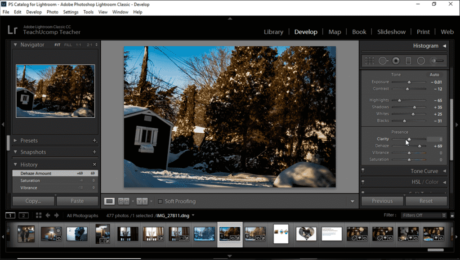
Change the Color Saturation in Lightroom Classic CC: Video This video lesson, titled “Adjusting Overall Color Saturation in the Basic Panel,” shows how to change the color saturation in Lightroom Classic CC. This video lesson is from our complete Lightroom Classic CC tutorial, titled “Mastering Lightroom Classic Made Easy v.CC.” Change the Color Saturation
addadjustadjustmentapplyapplyingchangeChange the Color Saturation in Lightroom Classic CCclaritycolor saturationcoursedecreasedehazeDevelop modulehelphow-toimageimagesincreaseinstructionslearnlessonlightroomlightroom classiclightroom classic ccoverviewphotophotosphotoshop lightroom classicpicturepicturesremovesaturationself studysliderslidersteachtrainingtutorialvibrancevideo
- Published in Latest, Lightroom Classic
Dehaze a Photo in Lightroom Classic CC- Instructions
Friday, November 16 2018
by Joseph Brownell
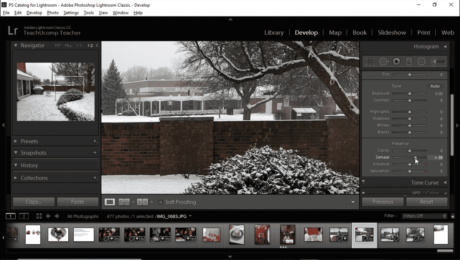
Dehaze a Photo in Lightroom Classic CC: Video Lesson This video lesson, titled “Applying the Dehaze Effect,” shows you how to dehaze a photo in Lightroom Classic CC. This video lesson is from our complete Lightroom Classic CC tutorial, titled “Mastering Lightroom Classic Made Easy v.CC.” Dehaze a Photo in Lightroom Classic CC: Overview
addadjustadjustmentapplyapplyingcoursedecreasedehazeDehaze a Photo in Lightroom Classic CCDevelop modulehaze removalhelphow-toimageimagesincreaseinstructionslearnlessonlightroomlightroom classiclightroom classic ccoverviewphotophotosphotoshop lightroom classicpicturepicturesremoveremove hazeresetself studyteachtrainingtutorialvideo
- Published in Latest, Lightroom Classic
Automatically Correct Lens Distortions in Lightroom Classic CC- Instructions
Tuesday, November 13 2018
by Joseph Brownell
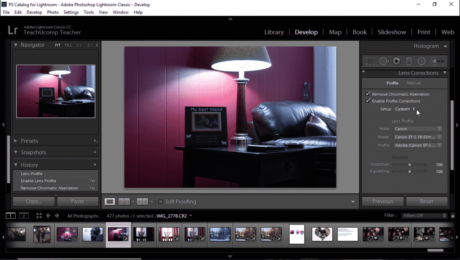
Automatically Correct Lens Distortions in Lightroom Classic CC: Video Lesson This video lesson, titled “Correcting Lens Distortion Automatically,” shows you how to automatically correct lens distortions in Lightroom Classic CC. This video lesson is from our complete Lightroom Classic CC tutorial, titled “Mastering Lightroom Classic Made Easy v.CC.” Automatically Correct Lens Distortions in Lightroom
applyapplyingautomaticautomaticallyAutomatically Correct Lens Distortions in Lightroom Classic CCcorrectcorrectingcoursefixfixinghelphow-toimageimagesinstructionslearnlens distortionlens distortionslens profilelens profileslessonlightroomlightroom classiclightroom classic ccoptionsoverviewphotophotosphotoshop lightroom classicpicturepicturesself studysettingsteachtrainingtutorialvideo
- Published in Latest, Lightroom Classic
HDR Photo Merge in Lightroom Classic CC – Instructions
Monday, November 12 2018
by Joseph Brownell
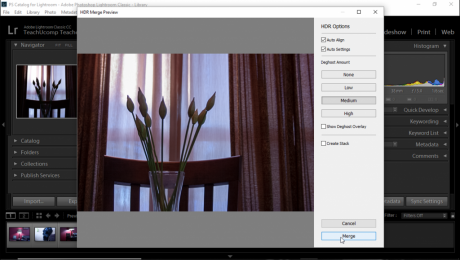
HDR Photo Merge in Lightroom Classic CC: Video Lesson This video lesson, titled “Using HDR Photo Merge,” shows how to perform an HDR Photo Merge in Lightroom Classic CC. This video lesson is from our complete Lightroom Classic CC tutorial, titled “Mastering Lightroom Classic Made Easy v.CC.” HDR Photo Merge in Lightroom Classic CC:
applyapplyingcoursedeghostexposureexposuresHDR Merge PreviewHDR Photo MergeHDR Photo Merge in Lightroom Classic CChelphow-toimageimagesinstructionslearnlessonlightroomlightroom classiclightroom classic ccmergemergingoptionsoverviewphotophotosphotoshop lightroom classicself studysettingsteachtrainingtutorialvideo
- Published in Latest, Lightroom Classic
Ratings in Lightroom Classic CC- Instructions and Video Lesson
Friday, November 09 2018
by Joseph Brownell
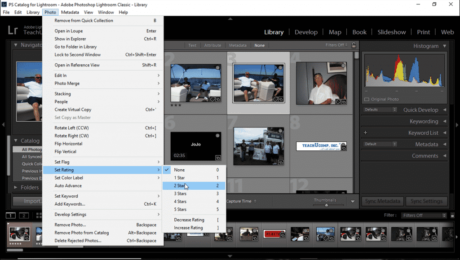
Ratings in Lightroom Classic CC: Video Lesson This video lesson, titled “Using Ratings,” shows you how to apply, change, and remove ratings in Lightroom Classic CC’s Library module. This video is from our complete Lightroom Classic CC tutorial, titled “Mastering Lightroom Classic Made Easy v.CC.” Ratings in Lightroom Classic CC: Overview You assign
addaddingapplyapplyingchangechangingcoursefilmstripgrid viewhelphow-toimageimagesinstructionslearnlessonLibrary modulelightroomlightroom classiclightroom classic ccoverviewphotophotosphotoshop lightroom classicratingratingsRatings in Lightroom Classic CCremoveremovingself studysetsettingstarstarsteachthumbnailthumbnailstrainingtutorialvideo
- Published in Latest, Lightroom Classic
Add an Identity Plate to a Slideshow in Lightroom Classic CC- Instructions
Monday, November 05 2018
by Joseph Brownell
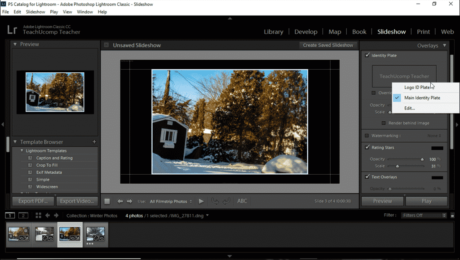
Add an Identity Plate to a Slideshow in Lightroom Classic CC: Video Lesson This video lesson, titled “Adding an Identity Plate to a Slideshow,” shows you how to add an identity plate to a slideshow in Lightroom Classic CC. This video lesson is from our complete Lightroom Classic CC tutorial, titled “Mastering Lightroom Classic
addAdd an Identity Plate to a Slideshow in Lightroom Classic CCaddingapplychangechangingcoursecreatecreatingdeletedeletingediteditingfontformatformattinggraphicgraphicalhelphow-toidentity plateidentity platesimageimagesinstructionslearnlessonlightroomlightroom classiclightroom classic ccmakeoptionsoverviewphotoshop lightroom classicremoveremovingsavesavingselectselectingself studyslideshowslideshowstagtagsteachtexttrainingtutorialusevideo
- Published in Latest, Lightroom Classic
Page Transitions in Acrobat- Instructions and Video Lesson
Wednesday, August 08 2018
by Joseph Brownell
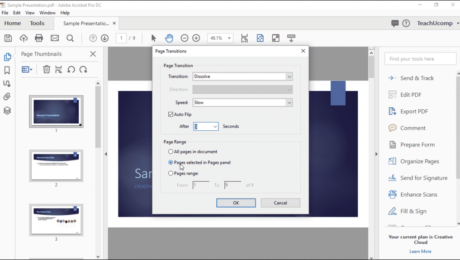
Page Transitions in Acrobat: Video Lesson This video lesson, titled “Adding Page Transitions,” shows you how to add page transitions in Acrobat. This video lesson is from our complete Acrobat tutorial, titled “Mastering Acrobat Made Easy v. Pro DC.” Page Transitions in Acrobat: Overview You can add page transitions in Acrobat that appear
acrobatAcrobat PDFAcrobat Pro DCAcrobat XIaddaddingAdobeAdobe AcrobatAdobe Acrobat DCadobe acrobat XIanimationanimationsapplyapplyingcoursedocumentfilefilesfull screenhelphow-toinstructionslearnlessonoptionsoverviewpagepage transitionsPage Transitions in AcrobatpagesPDFPDFssettingsteachtrainingtransitiontransitionstutorialvideo


