
 MY CART
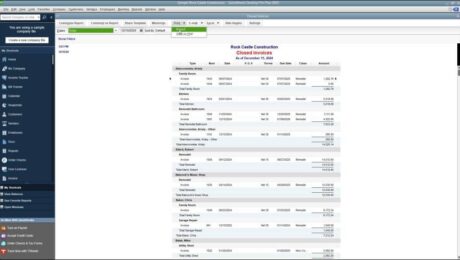
Print a Report in QuickBooks Desktop Pro – Instructions
Friday, May 19 2023
- Published in Latest, Quickbooks
No Comments
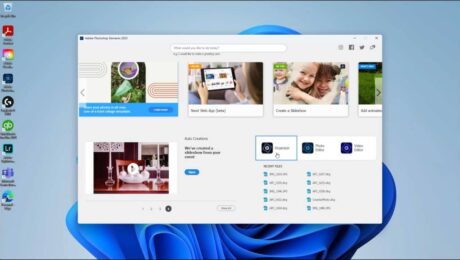
The Home Screen in Photoshop Elements – Instructions
Thursday, May 18 2023
- Published in Latest, Photoshop Elements
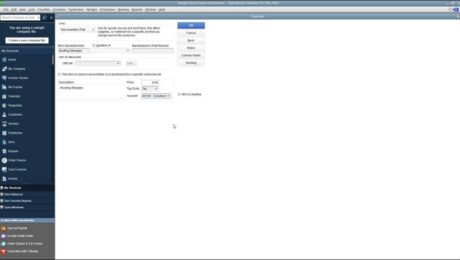
Non-Inventory Part Items in QuickBooks Desktop Pro- Instructions
Wednesday, May 17 2023
- Published in Latest, Quickbooks
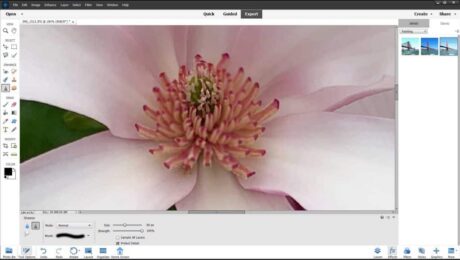
Blur or Sharpen Images in Photoshop Elements- Instructions
Tuesday, May 16 2023
- Published in Latest, Photoshop Elements
Create Subtotal Items in QuickBooks Desktop Pro – Instructions
Monday, May 15 2023
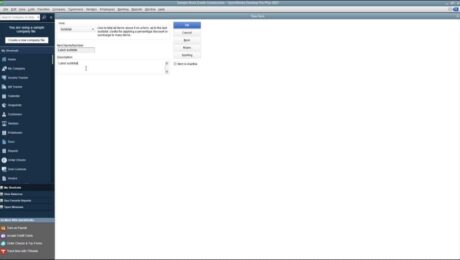
- Published in Latest, Quickbooks
The Camera Raw Dialog Box in Photoshop Elements – Overview
Thursday, May 11 2023
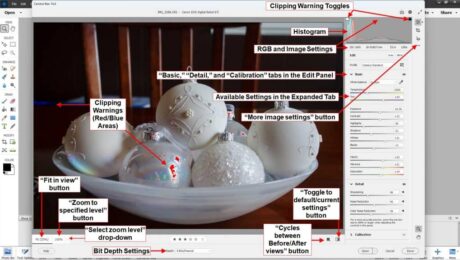
- Published in Latest, Photoshop Elements
Create an Invoice in QuickBooks Desktop Pro- Instructions
Tuesday, May 09 2023
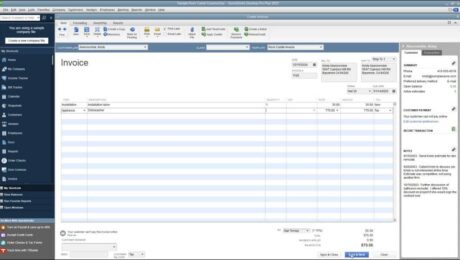
- Published in Latest, Quickbooks
Crop Images in Photoshop Elements- Instructions
Monday, May 08 2023
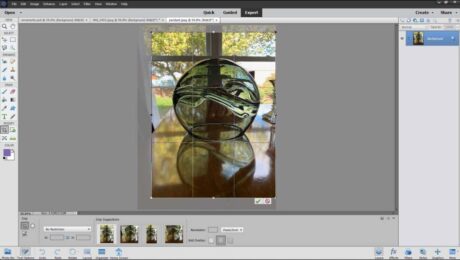
- Published in Latest, Photoshop Elements