
 MY CART
Custom Color Schemes in Publisher – Instructions
Thursday, October 10 2019
- Published in Latest, Microsoft, Office 2013, Office 2016, Office 2019, Office 365, Publisher 2013, Publisher 2016, Publisher 2019
No Comments
Conditional Formatting in Excel – Instructions
Wednesday, October 09 2019
- Published in Excel 2013, Excel 2016, Excel 2019, Excel for Office 365, Latest, Microsoft, Office 2013, Office 2016, Office 2019, Office 365
Edit Text in Acrobat Pro DC – Instructions
Thursday, November 08 2018
Add an Identity Plate to a Slideshow in Lightroom Classic CC- Instructions
Monday, November 05 2018
- Published in Latest, Lightroom Classic
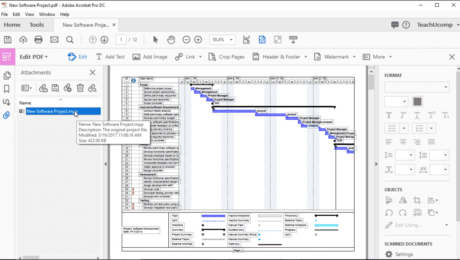
Attach Files to a PDF in Acrobat Pro DC- Instructions
Thursday, October 25 2018
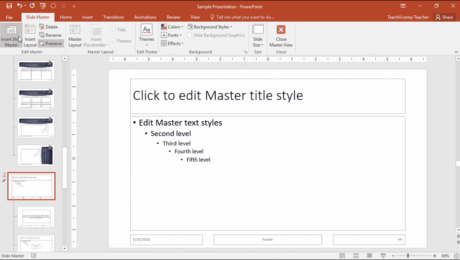
Slide Masters in PowerPoint – Instructions
Wednesday, January 31 2018
- Published in Latest, Microsoft, Office 2013, Office 2016, Office 365, PowerPoint 2013, PowerPoint 2016
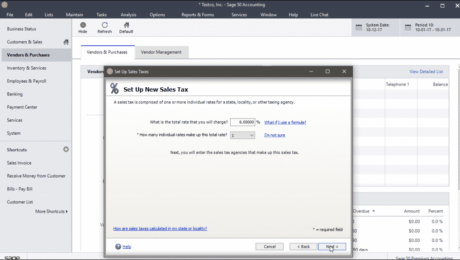
Set Up Sales Tax in Sage 50- Instructions
Wednesday, December 20 2017
- Published in Latest, Sage50, Small Business Accounting
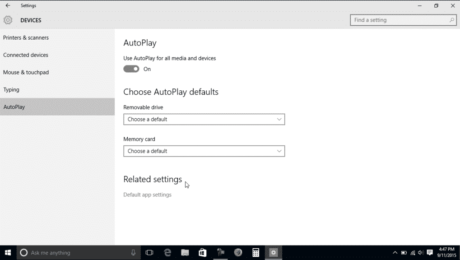
AutoPlay Settings in Windows 10 – Tutorial
Monday, October 31 2016
- Published in Latest, Microsoft, Windows 10