Plan a Meeting in Outlook – Instructions and Video Lesson
Wednesday, May 23 2018
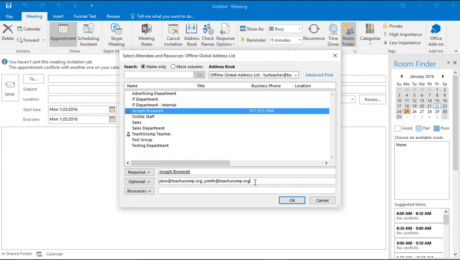
Plan a Meeting in Outlook: Video Lesson This video lesson, titled “Scheduling a Meeting,” shows how to plan a meeting in Outlook. This video lesson on how to plan a meeting in Outlook is from our complete Outlook tutorial, titled “Mastering Outlook Made Easy v.2016-2013.” Plan a Meeting in Outlook: Overview You can
- Published in Latest, Microsoft, Office 2013, Office 2016, Outlook 2013, Outlook 2016
Respond to a Form Using Acrobat – Instructions
Tuesday, April 24 2018
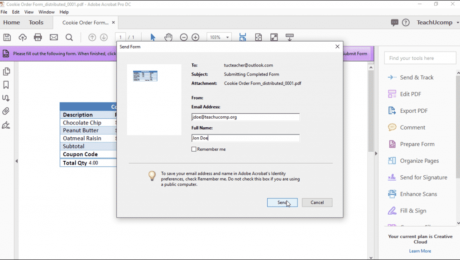
Respond to a Form Using Acrobat: Video Lesson This video lesson, titled “Responding to a Form,” shows you how to respond to a form using Acrobat. This video lesson is from our complete Acrobat tutorial, titled “Mastering Acrobat Made Easy v.Pro DC.” Respond to a Form Using Acrobat: Overview To respond to a
Categorize an Item in Outlook on the Web – Instructions
Wednesday, December 06 2017
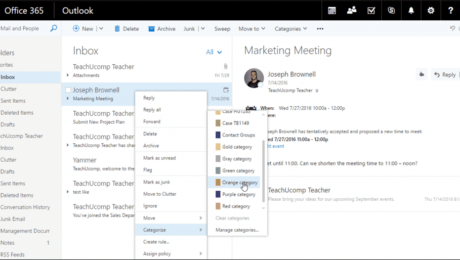
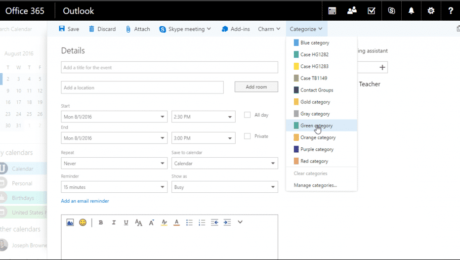
Categorize an Item in Outlook on the Web: Video Lesson This video lesson, titled “Categorizing Items,” shows you how to categorize an item in Outlook on the Web. This video lesson is from our Outlook on the Web tutorial, titled “Mastering Outlook on the Web Made Easy v.2016.” Categorize an Item in Outlook on
- Published in Latest, Microsoft, Office 365, Outlook on the Web
Categorize Items in Outlook on the Web – Tutorial
Thursday, October 20 2016
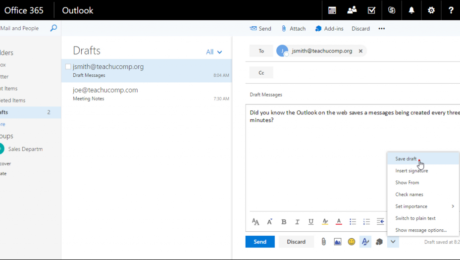
Categorize Items in Outlook on the Web: Video Lesson This video lesson, titled “Categorizing Items,” shows how to categorize items in Outlook on the Web. This video lesson is from our complete Outlook on the Web training, titled “Mastering Outlook on the Web Made Easy v.2016.” Categorize Items in Outlook on the Web: Overview
- Published in Latest, Microsoft, Office 365, Outlook on the Web